How I Build Websites with Claude Code: My Plan → Design → Code → Deploy Method
By Jim Chetwode · 19 May 2026 · 6 min
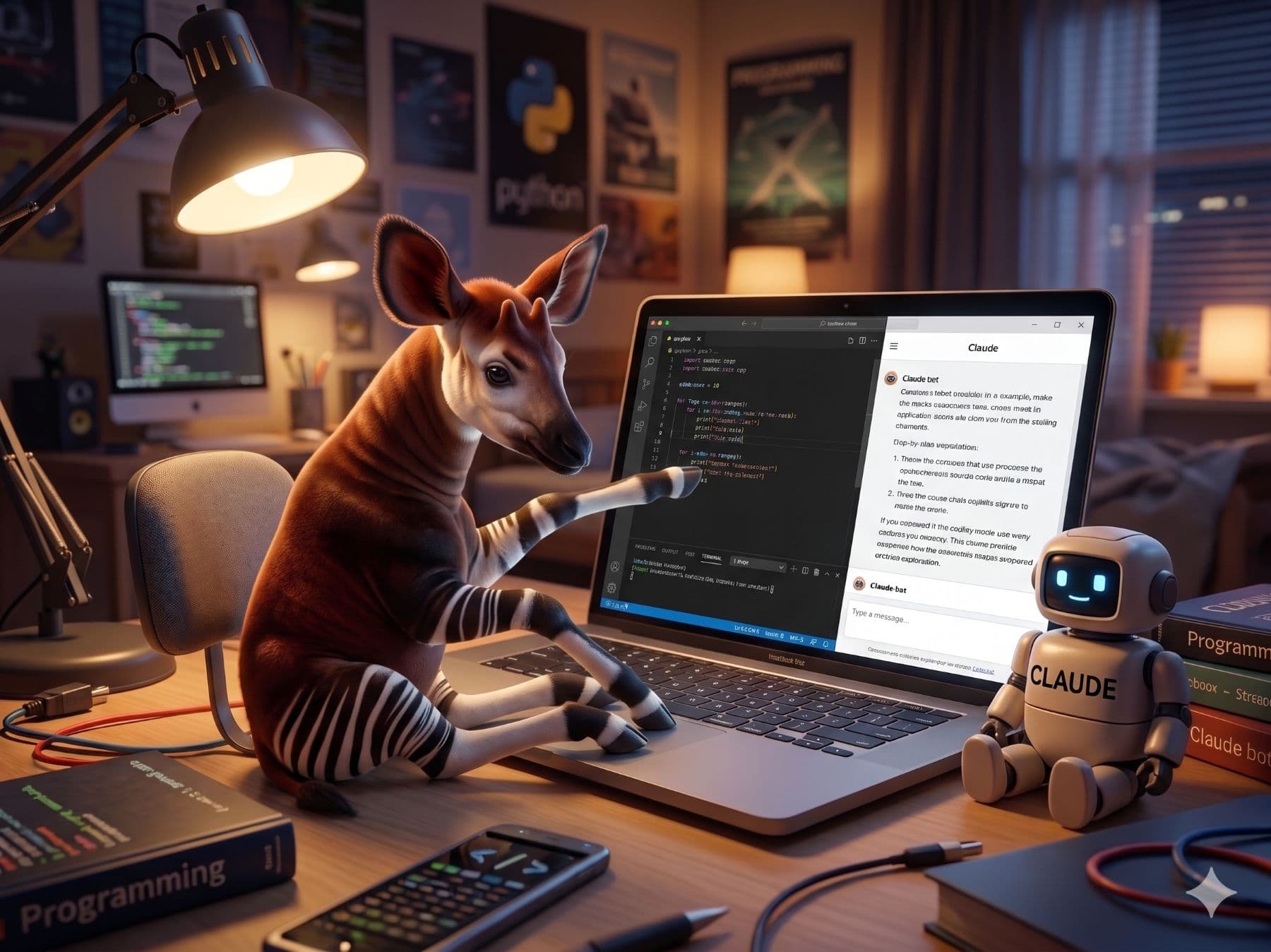
A step-by-step walkthrough of the Plan → Design → Code → Deploy method I use to build production websites with Claude Code. No prior coding experience needed.
Most people think building a website means one of two things: paying a developer thousands of pounds, or wrestling with WordPress for weeks and ending up with something that looks like everyone else's site.
There is a third way. And it is the one I use to build production websites for clients — including the site you are on right now.
It is called the Plan → Design → Code → Deploy method. It uses Claude Code as your coding partner. And once you have done it once, you will never go back to drag-and-drop page builders again.
Here is exactly how it works.
Why Claude Code changes everything
Claude Code is not a website builder. It is an AI assistant that works directly inside your code editor — specifically VS Code. You describe what you want in plain English, and it writes the code. You review it, ask for changes, and iterate until it is right.
The result is real code. Production-quality, deployed on Vercel, sitting in your own GitHub repository. You own it completely. No platform lock-in, no monthly fees for features you did not ask for, no templates you cannot escape.
But here is the thing most people miss: the quality of what Claude Code produces depends almost entirely on the quality of your instructions. That is where the method comes in.
Phase 1: Plan (30 minutes)
Before a single line of code is written, you need a clear brief. This is the phase most people skip — and it is why most AI-generated websites feel generic.
In the Plan phase, you define:
- What the site is for — not just "a website for my business" but specifically what you want visitors to do, feel, and understand
- The pages you need — Home, About, Services, Contact as a minimum; what else?
- The content hierarchy — what is the most important thing on each page?
- The brand signals — colours, tone of voice, whether you want to feel authoritative or approachable
The output of this phase is a brief document. One page. It sounds simple, but it forces the clarity that makes everything downstream faster.
Phase 2: Design in Claude (45 minutes)
With your brief ready, you open Claude (not Claude Code — just the regular Claude interface) and start designing in conversation.
You describe the layout you want. Claude generates component ideas. You iterate on the visual direction, the typography choices, the colour palette. You are essentially wireframing in plain English, using Claude as a design thinking partner.
This phase produces a design specification — again, written in plain English — that you will hand to Claude Code in the next phase. The more specific this is, the better the output.
Phase 3: Code (90 minutes)
This is where Claude Code comes in. You open VS Code, start a new Next.js project, and begin building component by component.
The stack is straightforward:
- Next.js — the React framework used by some of the most visited websites in the world
- Tailwind CSS — utility-first styling that keeps your code clean and your design consistent
- Vercel — deployment infrastructure that handles everything from hosting to performance optimisation
You describe each component to Claude Code in plain English. It writes the JSX. You see it render in your browser. You ask for changes. You build the next component.
By the end of 90 minutes, you have a working homepage, an about page, a services or products page, and a contact page. All in your own codebase.
Phase 4: Deploy (30 minutes)
Deployment used to be the technical hurdle that stopped non-developers in their tracks. With Vercel, it is four steps:
- Push your code to a GitHub repository
- Connect that repository to Vercel
- Point your domain to Vercel's nameservers
- Done — your site is live
Vercel handles SSL certificates, global CDN distribution, and automatic re-deployment every time you push a code change. It is the infrastructure that agencies charge clients thousands to manage, available free for personal and small business use.
What the method produces
A real, deployed website. Your code, your repository, your domain. Pages that load fast because they are built on a modern framework, not a bloated CMS. A site you can update yourself by describing changes to Claude Code.
This is the same method I use for client projects. The site at okapiandco.co.uk was built this way. So were several client sites I have delivered in the past year.
Learning it yourself
The method is teachable. I run half-day hands-on workshops across the South West of England — Bristol, Exeter, Salisbury, Bournemouth, and other locations — where you follow this exact process and leave with a real deployed website.
Maximum four people per session. You bring a laptop; I bring the method, the support, and lunch.
Find out more about the Claude Code workshop →
Or if you would rather someone built it for you, that is what the website design service is for.
Tagged: News.

Jim Chetwode
Founder, Okapi & Co · Shaftesbury, Dorset
Thirty years in digital marketing, now spent on how businesses get found in Google and cited by AI assistants. Chairman of the Shaftesbury and District Chamber of Commerce, Dorset Ambassador, and the person who runs the AI workshops.