A Claude Code workshop teaches you to plan, design, build, and deploy a real website in half a day. Here is exactly what is covered and what you leave with.
People arrive at my Claude Code workshops with the same question: will I actually build something real today, or is this another day of slides and theory?
The answer is always the same. By the time we break for lunch, your website is live on the internet. Real URL, real code, yours to keep and edit.
Here is exactly what the workshop covers.
Who it is for
The workshop is for people who want to own their website — not just use it. That includes:
- Business owners who are tired of waiting for a developer to make small changes
- Freelancers who want to add web skills to what they offer
- Marketers who want to understand how modern sites are actually built
- Curious people who have heard about AI-assisted development and want to see it work in practice
You do not need to know how to code. You need a laptop, a browser, and a rough idea of what you want your website to say.
The method: Plan → Design → Code → Deploy
Everything in the workshop follows a four-phase structure. Each phase builds directly on the last.
Plan
We start before any code is written. You define the purpose of your site, the pages you need, the hierarchy of information on each page, and the impression you want to make.
This sounds like admin. It is actually the most important thing we do. A clear brief produces a better website faster than any amount of clever prompting.
Design
Using Claude (not Claude Code — the regular AI interface), you describe your layout and design direction in plain English. You iterate until you have a specification that captures how your site should look and feel.
This phase teaches you that design is fundamentally a communication problem. If you can describe what you want clearly, the tools will produce it.
Code
This is where Claude Code comes in. Inside VS Code, you build your website component by component — homepage, about page, services page, contact page. Claude Code writes the code; you review it, request changes, and build understanding as you go.
The stack is Next.js and Tailwind CSS. These are the same tools used to build large commercial websites. You are not working in a simplified sandbox — you are building on production-grade infrastructure from the start.
Deploy
We push your code to GitHub and connect it to Vercel. Your site goes live on a real URL. We point your domain if you have one. If you do not, your Vercel preview URL works perfectly well to start.
What you leave with
- A deployed website on a production-grade hosting platform
- Your code in your own GitHub repository
- Working knowledge of how to update and extend your site after the workshop
- An understanding of how Claude Code works as a development tool — and where its limits are
- A grasp of the Next.js and Tailwind CSS mental models (you do not need to memorise syntax; you need to understand the structure)
- 30 days of follow-up questions by email
What you need to bring
A laptop — Mac or Windows both work. Before the session I send a short checklist: VS Code installed, a GitHub account created, a Vercel account created. All free. The setup takes about 20 minutes and I send a video walkthrough.
The format
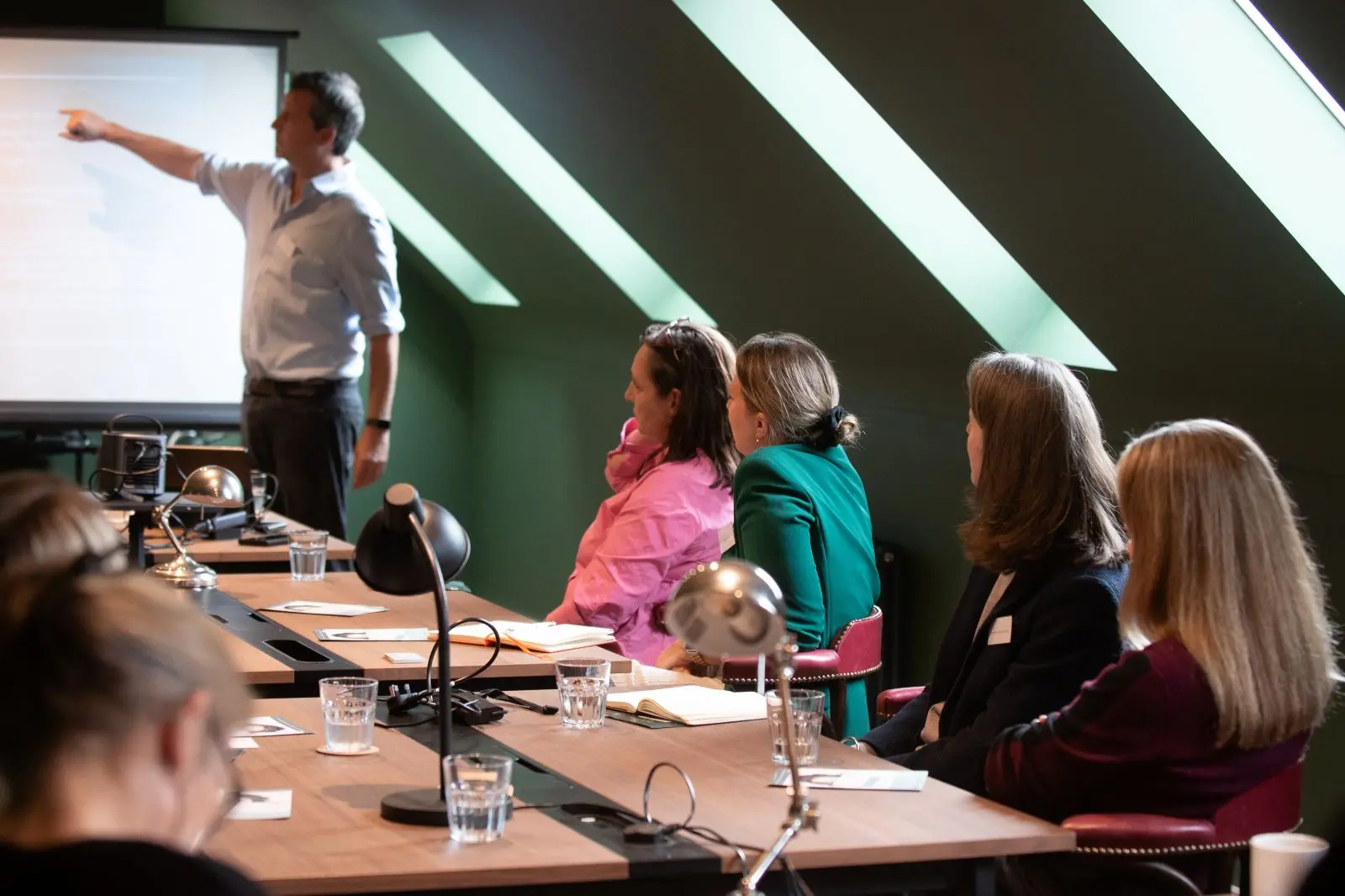
Maximum four people per session. Intentionally small — this is not a lecture, it is a working session. You build something, I help you when you get stuck, and we learn from each other's questions.
Sessions run across the South West of England — Bristol, Exeter, Salisbury, Bournemouth, Poole, and other locations. Price is £347 per person, which includes the session, all materials, and lunch.
Tagged: News, Tutorial.

Jim Chetwode
Founder, Okapi & Co · Shaftesbury, Dorset
Thirty years in digital marketing, now spent on how businesses get found in Google and cited by AI assistants. Chairman of the Shaftesbury and District Chamber of Commerce, Dorset Ambassador, and the person who runs the AI workshops.