Claude Training for Teams
Your team has Claude. Almost nobody has been shown what good looks like.
- 8 to 12 hours
- a week saved across one business, reported conservatively
- 90 to 25 minutes
- daily customer-service triage, before and after
- About £70
- a month in tool costs, all in
Most teams have Claude open in a tab and no idea what good looks like. We spend three and a half hours, or a full day, on your actual work, and leave you with a way of using it that everybody follows.
The problem is never the tool
People open Claude, ask it something vague, get something bland back, and quietly go back to doing it the long way. Then everyone who does persist invents their own way of using it, so five people end up with five different habits and nobody agrees what good looks like.
That is what a session is for. Not a tour of the features, which you can read anywhere. A session on the parts of your week that are assembly rather than judgement, and how to hand those over.
What we cover
- Briefing it properly. The difference between a one-line request and a proper brief, shown live on your own work. This is most of the gap between a disappointing answer and a usable one.
- Projects, so nobody starts from blank. A shared Project per team, loaded with your tone, your rules and the context it needs. Every conversation inherits them for free.
- The jobs worth handing over. Inbox triage, the weekly report, research before a meeting, turning one set of notes into four pieces of copy.
- Where the line is. What must never go into a chat window, written down as five rules on a postcard before anyone pastes anything anywhere.
- Keeping the conversation going. The people who get most out of these tools are not the ones with the cleverest opening prompt. They are the ones who say "shorter", "less formal", "that is not our tone" and keep going for three more messages.
What your team can do by the end
- Brief Claude properly, so the first draft is usable rather than bland
- Work from a shared Project that carries your brand, tone and rules
- Hand over the repeated jobs: inbox triage, the weekly report, the research before a meeting
- Turn one set of notes into every piece of copy it needs to become
- Know exactly what must never be typed into a chat window, and why
- Keep refining an answer instead of accepting the first one
A UK skincare brand, clawing back a day and a half a week
A direct-to-consumer skincare brand selling on Shopify and to trade through wholesale. Customer service ran through a shared inbox where two people spent the first 90 minutes of every day triaging, then drafting replies one order lookup at a time. The weekly marketing dashboard was built by hand, three hours every Monday.
We rolled it out one team at a time, with a written policy behind it. Triage went from 90 minutes to 25. The Monday dashboard went from three hours to fifteen minutes. Across the business that is a conservative eight to twelve hours a week, for around £70 a month in tool costs.
We report that conservatively on purpose. Cold-outreach open rates are up on early data, but we want another 90 days before quoting a firm figure. The full rollout service is where that kind of change gets built.
Where this sits
- Already using Microsoft 365? Microsoft Copilot training is the same session for a different tool.
- Want the whole thing, policy and automations included? That is AI training and rollout.
- Prefer to come to a public session first? The workshops run in market towns across the South West, from £24 inc VAT (£20 + VAT).
- Not sure which? The training finder asks four questions and tells you.
What it costs
Starting points. Every project is scoped before a price is agreed.
Part day
£450 + VAT
Three and a half hours, up to ten people
- Built around your own week, not a generic syllabus
- A written prompt pack to keep
- At your offices or a room we book
Best for: a team that has the tool and needs showing what good looks like
Full day
£750 + VAT
A full day, up to ten people
- Everything in the shorter session, with time to build
- Each person leaves with something working on their own job
- A one-page usage policy drafted with you
Best for: a team that wants to leave with the new way of working already set up
Training day plus rollout
Quoted per team
A training day, then about three weeks of implementation
- Shared Projects with your brand and tone baked in
- The automations that remove the repeated manual jobs
- One shared way of working across the team
Best for: a business putting AI into how the work actually gets done
Claude Training for Teams, answered plainly
Do you train on Claude, ChatGPT or Copilot?
All three, and we have no interest in selling you the wrong one. This page is the Claude session because that is what most teams ask us for by name. If you are a Microsoft 365 business, the Copilot session covers the same ground in the tool you already have, and plenty of teams end up using two.
How many people can come?
Up to ten. Past that it stops being hands-on and becomes a lecture, which is exactly the thing that does not work. For a bigger team we run the same session twice rather than cram one room.
Do you come to us?
Yes, anywhere in the South West as standard and further by arrangement. If you have no room for it we will book one. We are based in Shaftesbury, Dorset, and we also run sessions remotely where that genuinely suits the team better.
What do we need in place beforehand?
A working account each, and a sense of what your week actually involves. We ask for the second one before the day, because the session is built around your real work rather than a generic syllabus. If you are not sure which accounts you need, ask us before you buy anything.
Is our data safe if the team uses AI?
That is why we write the rules down before anyone pastes anything anywhere. Five plain rules: do not invent facts, do not publish without a human reading it, do not paste sensitive data, use the right tool for the job, and ask before doing something risky. On a full day we draft that one-page policy with you.
What is the difference between this and the rollout?
This is the training. The rollout is the training plus about three weeks of implementation: the shared Projects with your brand baked in, the automations that remove the repeated manual jobs, and one shared way of working across the team. Training on its own rarely sticks, so if you want the change to hold, the rollout is the honest answer.
Related reading
- AI Training in West Berkshire: Practical AI for Business
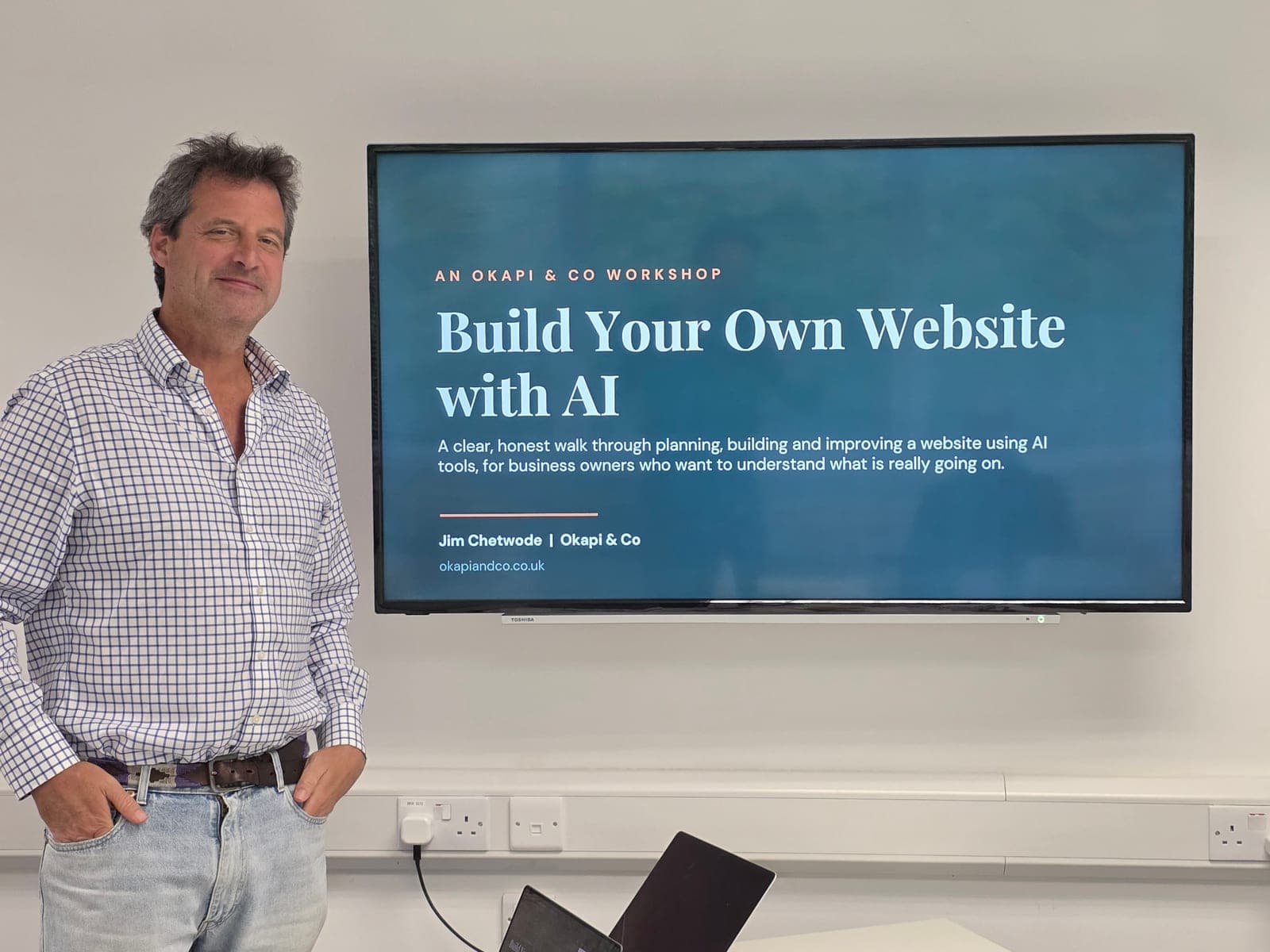
Jim Chetwode joined Kennet Radio to talk about practical AI for small businesses in West Berkshire, ahead of our Hungerford workshop on 6 November.
- AI agents are starting to run whole jobs. Five ideas worth watching.
Most small employers are already using AI agents. Here is what changed this week, five ideas worth watching, and the three things we would sort out first.
- Claude for Business in Shaftesbury: privacy first, then the good stuff
What we covered at our Claude for Business workshop in Shaftesbury: privacy settings, shared team instructions, and the jobs worth handing over.
Let's talk about your business.
Twenty minutes, no pitch. Tell us what you are stuck on and we will tell you straight whether we can help. Book a free call, or have a look at what we have already built.